How Do I Choose a QSFP28 Transceiver?
How Do I Choose a QSFP28 Transceiver?
The order usually goes wrong in the same quiet way. A team needs 100G, the price list says "QSFP28," someone picks the cheapest line that says 100G, and the modules arrive — right speed, wrong everything else. The fiber in the ground is multimode and the module wants single-mode. The link is 2 km and the module is rated for 100 m. The switch port needs FEC the module assumes is off. Nothing is defective. The choice was just made from the wrong end: the part number first, the link second.
Choosing a QSFP28 is not really choosing a module. It is answering six questions about a link you already have, in order. Get the order right and the part number mostly picks itself.
Short answer: match the link, not the label
"QSFP28" only says the form factor and the speed: 100G over four 25G lanes. It says nothing about the fiber, the connector, or the distance. The variant name — SR4, PSM4, CWDM4, LR4, ER4 — is the part that matters, and each one only fits one kind of link:
Your link | Fiber and connector in place | Variant to check first |
|---|---|---|
Up to 100 m, inside a building | Multimode OM3/OM4, MPO-12 | SR4 |
Up to 500 m, single-mode | Single-mode, MPO-12 | PSM4 |
Up to 2 km, single-mode, duplex LC only | Single-mode, duplex LC | CWDM4 (or single-lambda FR) |
Up to 10 km, single-mode | Single-mode, duplex LC | LR4 |
Up to 40 km, single-mode | Single-mode, duplex LC | ER4 |
Around 80 km, single-mode | Single-mode, duplex LC | ZR4 — verify per datasheet, it is a vendor design, not an IEEE standard |
Only one fiber strand available | Single-mode, duplex LC | BiDi — see our 40G BiDi vs SR4 guide (https://www.axonode.net/posts/40g-bidi-vs-sr4-duplex-lc-or-mpo) for how the single-fiber trade-off works |
If the distance falls between two rows, take the longer-reach variant and check the link budget — never round down to save money on the module. A module that cannot close the link is not a bargain at any price.
1. Start with the switch port, not the catalog
Before looking at any module, confirm three things about the port it will sit in. First, that it is a QSFP28 port — a QSFP28 module does not belong in a QSFP-DD or OSFP port, and the 400G form factors are a different decision altogether. Second, whether the port will run as one 100G link or break out to four 25G links: breakout needs a variant that supports it and a switch configuration to match, so decide this before ordering, not after the modules arrive. Third, what the port does about FEC and power: some variants only reach their rated distance with RS-FEC enabled on the host, and every port has a power budget the module must fit inside. If any of these three is unconfirmed, the vendor's compatibility list — not the price list — is the document to ask for.
2. Look at the fiber that is already in the ground
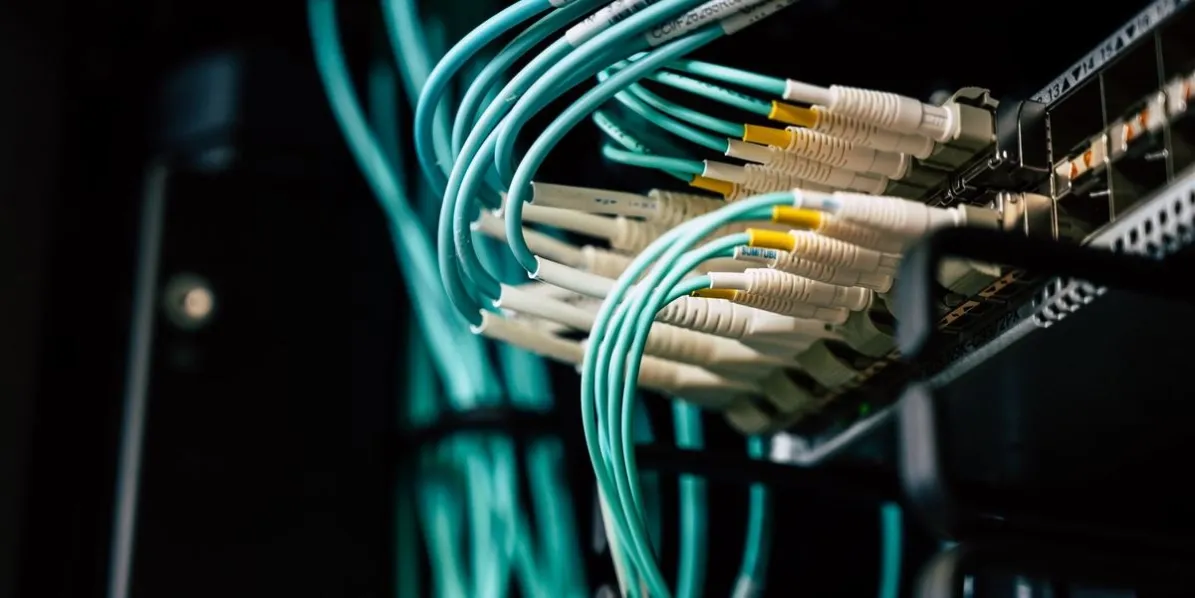
The fiber plant decides more than the distance does. Multimode fiber (OM3 or OM4) only works with SR4-type optics, and only up to 100 m — 70 m on OM3. Single-mode fiber opens the longer variants but splits again by connector: MPO-12 for the parallel variants (SR4, PSM4), duplex LC for the multiplexed ones (CWDM4, LR4, ER4, ZR4). Count the strands as well as the type: the parallel variants need eight fibers per link, the duplex-LC variants need two, and a BiDi variant needs one. If the trunk, the cassette, and the patch panel do not agree with the module, the fix is new patching everywhere — which costs more than the module saved.
3. Measure the distance, then add margin
"About 2 km" is not a distance. Get the actual route length, then add the loss of every connector and splice on it, and check the result against the module's optical link budget on its datasheet — not against the headline kilometer figure. Two traps live here. One: some extended-reach variants only make their full distance with FEC switched on; without it, the realistic reach is shorter, so confirm the FEC setting the datasheet assumes. Two: ZR4-class long-reach modules are vendor designs rather than an IEEE standard, so their specifications vary by maker and the datasheet — not a general rule — is the authority. When in doubt between two variants, the longer-reach one with margin is the cheaper mistake.
4. Both ends must match
A link has two ends, and they must use the same optical type. An LR4 at one end and a CWDM4 at the other will not link, however similar the boxes look. The same goes for FEC: if one end expects it and the other does not provide it, the link either fails or runs dirty. Before ordering, write down the variant, the fiber, the connector, and the FEC setting for both ends on one line — if the two lines are not identical, the order is not ready. Our Single-Lambda vs LR4 comparison (https://www.axonode.net/posts/100g-single-lambda-vs-lr4-qsfp28) and PSM4 vs CWDM4 comparison (https://www.axonode.net/posts/100g-psm4-vs-cwdm4-fiber-connector-fec) walk through the two choices teams most often get wrong at this step.
5. Coding, compatibility, and one test pair
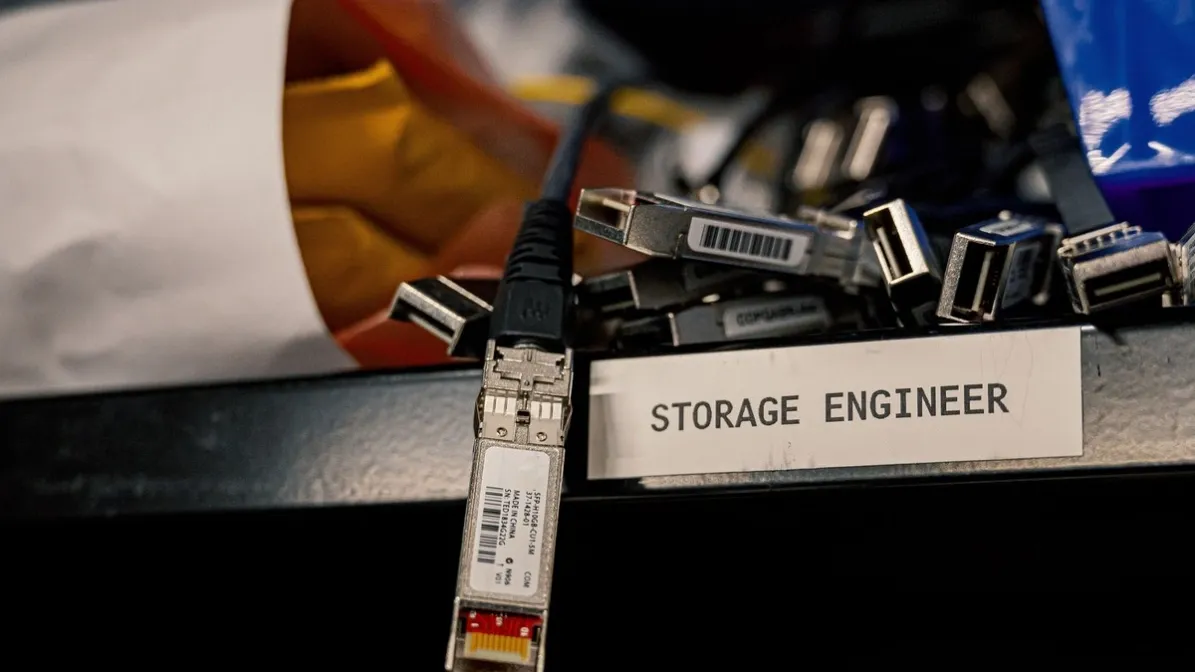
A third-party coded module has to be recognized by the switch, report DOM readings correctly, and behave the same as the coded part it replaces. That is a compatibility question, not a specification question: ask for the platform compatibility list for your exact switch model and software version, and test one pair on the real link before ordering the full quantity. A pair that links in the lab but throws DOM alarms in production has not passed. Keep the test pair's readings — they are the baseline every later troubleshooting step compares against. And check the rated temperature range on the datasheet against the actual temperature inside your cabinet; never order on the assumption that a pluggable optic can be made industrial-grade after the fact.
6. Spares and what changes next
Order the spares in the same variant as the deployed links. A spare LR4 does not rescue a CWDM4 link, and a mixed spares shelf is how a 2 a.m. outage becomes a second outage. Then look one step ahead: if the site will move to 400G, the QSFP28 modules will not carry over to QSFP-DD ports — plan the spares quantity for the 100G life of the site, not for a future the modules cannot serve. What carries over is the fiber: single-mode duplex LC installed today serves the next generation too, which is one more reason to get the fiber decision right now.
A short decision rule
- Port first: QSFP28, breakout or not, FEC and power confirmed.
- Fiber second: multimode or single-mode, MPO or LC, strands counted.
- Distance third: measured, with margin, checked against the link budget.
- Both ends identical, then coding and one test pair, then spares in the same variant.
- In doubt: the longer-reach variant with margin, and a compatibility list before the purchase order.
The module is the last thing you pick, not the first. The link you already own — the port, the fiber, the distance — has already made most of the decision. The work is reading it before ordering.
If you are choosing for a real build, send us the platform, the distance, and the quantity via our contact form (https://www.axonode.net/contact-us), and we will check which option fits before you order.