
Ubiquiti SFP Deployment Checklist for WISP Backhaul Links
A practical pre-deployment checklist for matching Ubiquiti hosts, SFP ports, optical links and validation evidence before a WISP backhaul optics order.
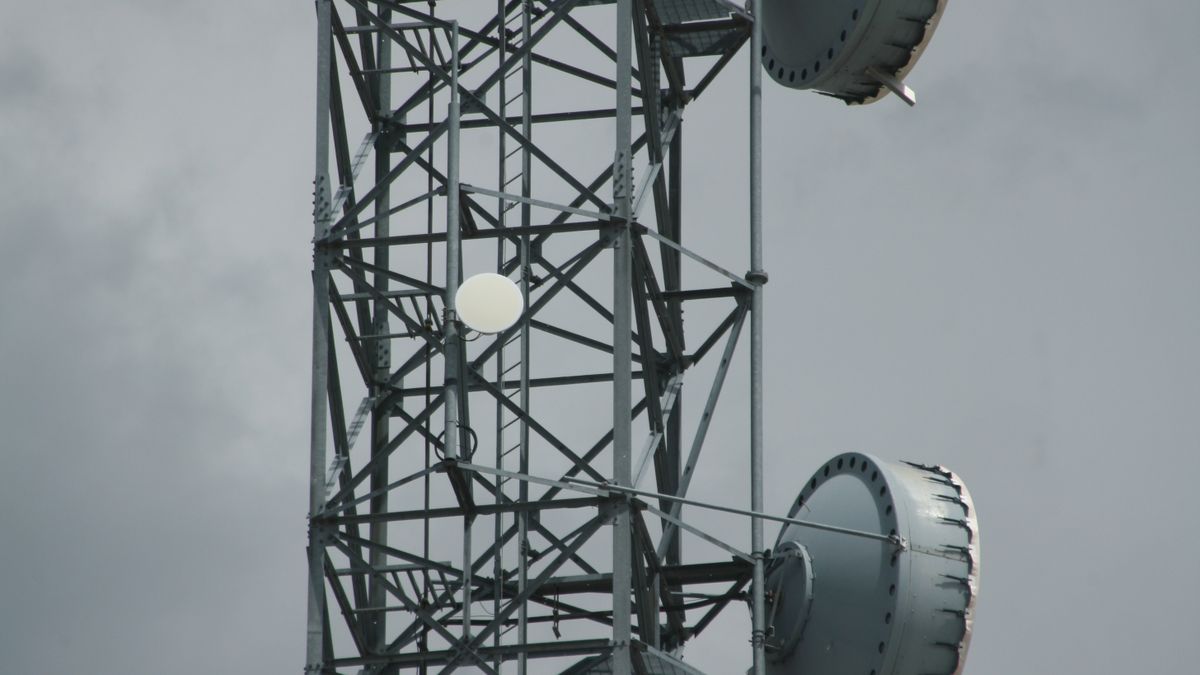
An SFP that fits a Ubiquiti port is not automatically ready for a live WISP backhaul link.
A defensible deployment decision connects the exact switch, port and software environment to the optical interface, fiber path and validation evidence. Use this checklist before requesting a quote or taking modules to a remote site.
Why a Product Label Is Not a Deployment Approval
Descriptions such as “Ubiquiti compatible,” “10G single-mode” or “SFP+ LR” leave important questions open. The host may enforce a supported media type, report a warning, provide limited monitoring, or behave differently across models and hardware revisions. The link can also fail because the two endpoints, wavelengths, fiber or power levels do not match—even when the coding is accepted.
Ubiquiti's EdgeSwitch SFP/SFP+ and DAC compatibility list is a useful example of why scope matters. It applies to named EdgeSwitch models, excludes some model families, and distinguishes officially supported Ubiquiti devices from community-tested third-party entries. Treat a model-specific list as evidence for its stated scope, not as approval for every Ubiquiti port.
Start With the Exact Host and Port
Record the identity of both endpoints before choosing optics.
| Required field | What to record |
|---|---|
| Host | Vendor, exact device model and hardware revision if available |
| Interface | Port number, SFP or SFP+ cage, line card or media-converter model |
| Software | Current firmware or operating-system version |
| Port mode | Configured rate, autonegotiation behavior and any forced settings |
| Existing reference | Working OEM part number or approved module, if available |
| Monitoring | Whether digital optical monitoring (DOM/DDM) is required by operations |
Do not approve a module from the Ubiquiti brand name alone. The optical transceiver compatibility check guide explains the broader host, coding and evidence information needed for a review.
Define the Backhaul Link Before the Optic
A WISP link should be described as two named endpoints and one known fiber route. Collect:
- Required data rate now and the expected upgrade path
- Fiber type, available strands and connector interface
- Route length and measured loss when available
- Patch panels, splices, splitters or other passive components
- Required topology: duplex, single-fiber BiDi or wavelength-division multiplexing
- Environmental conditions at each cabinet or tower location
- Maintenance access, spare strategy and rollback method
Route length is not an optical budget. Link approval must compare the transmitter and receiver limits of the exact two modules with estimated or measured route loss, connector and splice losses, passive-device insertion loss and an engineering margin. Also check receiver overload on short or unusually low-loss paths.
For the earlier planning stage, use the ISP/WISP backhaul optic selection guide.
Match the Optical Identity End to End
| Decision | Questions to close |
|---|---|
| Interface | Do both ports support the intended Ethernet interface and rate? |
| Form factor | Is the module mechanically and electrically appropriate for each host? |
| Fiber | Is the route single-mode or multimode, and is that fiber supported by the interface? |
| Connector | Do module, patch lead and panel interfaces match? |
| Wavelength | Do both ends use the correct optical interface and wavelength plan? |
| Reach and power | Do receiver sensitivity, overload and route-loss boundaries work at both ends? |
| Temperature | Does each module's verified rating suit the installed environment? |
For single-fiber BiDi, the two modules must form a complementary pair: the transmit wavelength at one end must be the receive wavelength at the other, and vice versa. “Same speed and reach” is not enough.
Separate Coding From Complete Compatibility
Coding can help a host identify a module and expose expected fields. It cannot, by itself, prove that the port supports the interface, power demand, temperature, link topology or optical path.
Use four evidence levels:
- Specification review: compare the exact host, port, module and link requirements.
- Coding verification: confirm the requested vendor profile and relevant memory fields.
- Controlled validation: test the proposed module in the named host and software environment when risk or uncertainty warrants it.
- Field validation: confirm the final path, both endpoints and operational conditions during deployment.
Only claim the level actually completed. A community report, a detected module or one successful lab link should not be presented as universal device support.
Plan a Small Validation Before Remote Rollout
For a new host, third-party optic, firmware version or link architecture, a small sample can reduce rollout risk. The validation plan should specify the exact module identity and host environment rather than ask whether “a Ubiquiti SFP” works.
- Capture model, hardware revision, firmware, port and configuration.
- Photograph and record the module label and coding profile.
- Confirm link rate, interface state and system logs.
- Read DOM/DDM values if both host and module support them.
- Exercise traffic under a representative load and observe errors and link stability.
- Power-cycle or reseat only within an approved maintenance window.
- Record the result and the exact conditions; do not generalize beyond them.
DOM/DDM can show measurements such as temperature, supply voltage, transmit power and receive power when supported. It does not prove vendor acceptance, bit-error performance, correct wavelength pairing or long-term field reliability. See what DOM/DDM can and cannot prove.
Common WISP Deployment Mistakes
| Mistake | Safer control |
|---|---|
| Ordering by “Ubiquiti compatible” only | Match the exact device, port, firmware and interface |
| Using one community result as universal proof | Keep evidence tied to the tested model and revision |
| Treating link-up as full validation | Check traffic, errors, logs and optical power |
| Ignoring the remote endpoint | Verify both hosts, both modules and the whole fiber route |
| Mixing BiDi sides | Record endpoint allocation and complementary Tx/Rx wavelengths |
| Choosing reach from distance alone | Calculate loss and check both sensitivity and overload |
| Rolling out all sites at once | Use a controlled sample and a documented fallback |
Final Ubiquiti SFP Deployment Checklist
- Exact Ubiquiti device model and hardware revision recorded
- Firmware or software version recorded
- Port number, cage type, rate and port mode confirmed
- Remote host and interface confirmed
- Original or working reference part number captured when available
- Exact proposed optic, coding profile and monitoring requirement recorded
- Fiber type, connector, route length and route loss recorded
- Wavelength plan and BiDi pairing verified where applicable
- Optical budget and overload boundaries checked
- Environmental rating matched to both locations
- Sample-validation scope and acceptance criteria defined
- Rollback, labeling and spare plan prepared
- Evidence and open assumptions attached to the purchasing request
Frequently Asked Questions
Does every Ubiquiti SFP or SFP+ port support the same third-party modules?
No. Support can vary by product family, exact model, hardware revision, software and interface. Review the named device and current vendor documentation rather than extending one result to all Ubiquiti equipment.
Is a detected third-party SFP compatible?
Detection proves only that the host can read or recognize some module information. It does not establish the correct optical interface, link budget, monitoring behavior or stable operation under traffic.
What should I provide for a compatibility review?
Provide both endpoint models, port details, firmware, original part references, fiber and connector type, distance or route loss, target rate, proposed optics and quantity.
Should I test a sample before a multi-site WISP rollout?
A controlled sample is sensible when the host, software, coding profile, optic or link design is new. Define the test conditions and acceptance criteria before testing.
Can DOM/DDM confirm that the optic is approved by the host?
No. DOM/DDM provides diagnostic measurements when supported. Host acceptance, interface behavior and end-to-end performance require separate evidence.
What is the most important check for Ubiquiti BiDi optics?
Verify a complementary Tx/Rx wavelength pair and assign the correct side to each endpoint. Then validate the host, fiber path, link budget and connector details.
Need a Ubiquiti Backhaul Optics Review?
Send the exact Ubiquiti and remote device models, port and firmware details, original part references, distance or measured loss, fiber and connectors, proposed optics and required quantity. Axonode can help organize the compatibility and link checks before ordering.
Request a technical review

